
Make a free account
Sign up, confirm by email, then sign in.
-
Step 1: Open Create your AFIN account
Type your email and a password of at least 12 characters, twice, then press "Create my account".
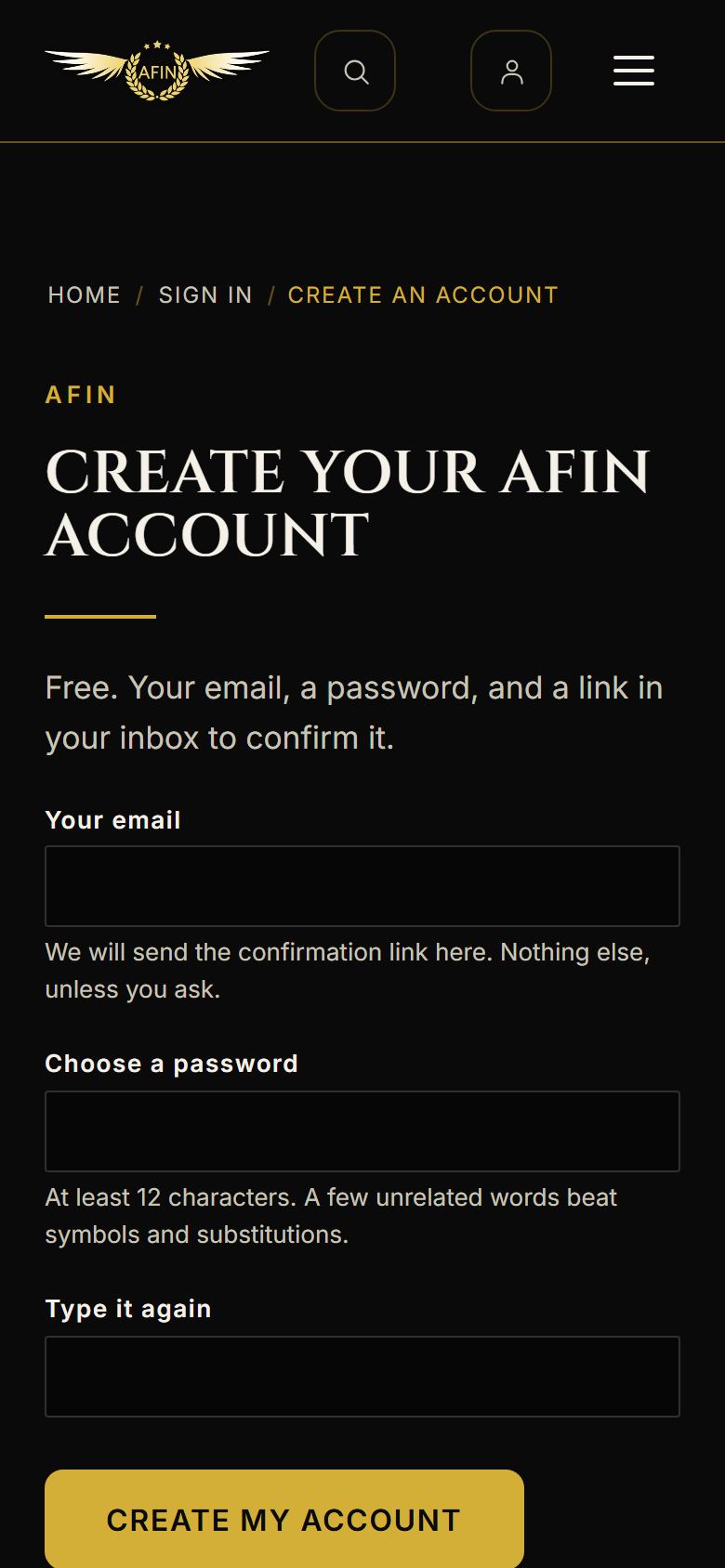
On a phone, from afinfestival.com -
Step 2: Check your email
We send you a link. Open it within 48 hours, and look in your junk folder if it has not arrived.
-
Step 3: Confirm, then sign in
The link opens a page with "Confirm my account". Press it and you see "Your account is confirmed". It does not sign you in: press Sign in and use your new password.
-
Step 4: If the confirmation link has lapsed
Sign up again with the same email and we send a fresh link.

On a phone, from afinfestival.com