
Sign in, and a forgotten password
Signing in, and setting a new password from an email link.
-
Step 1: Sign in
Type your email and password and press "Sign in".
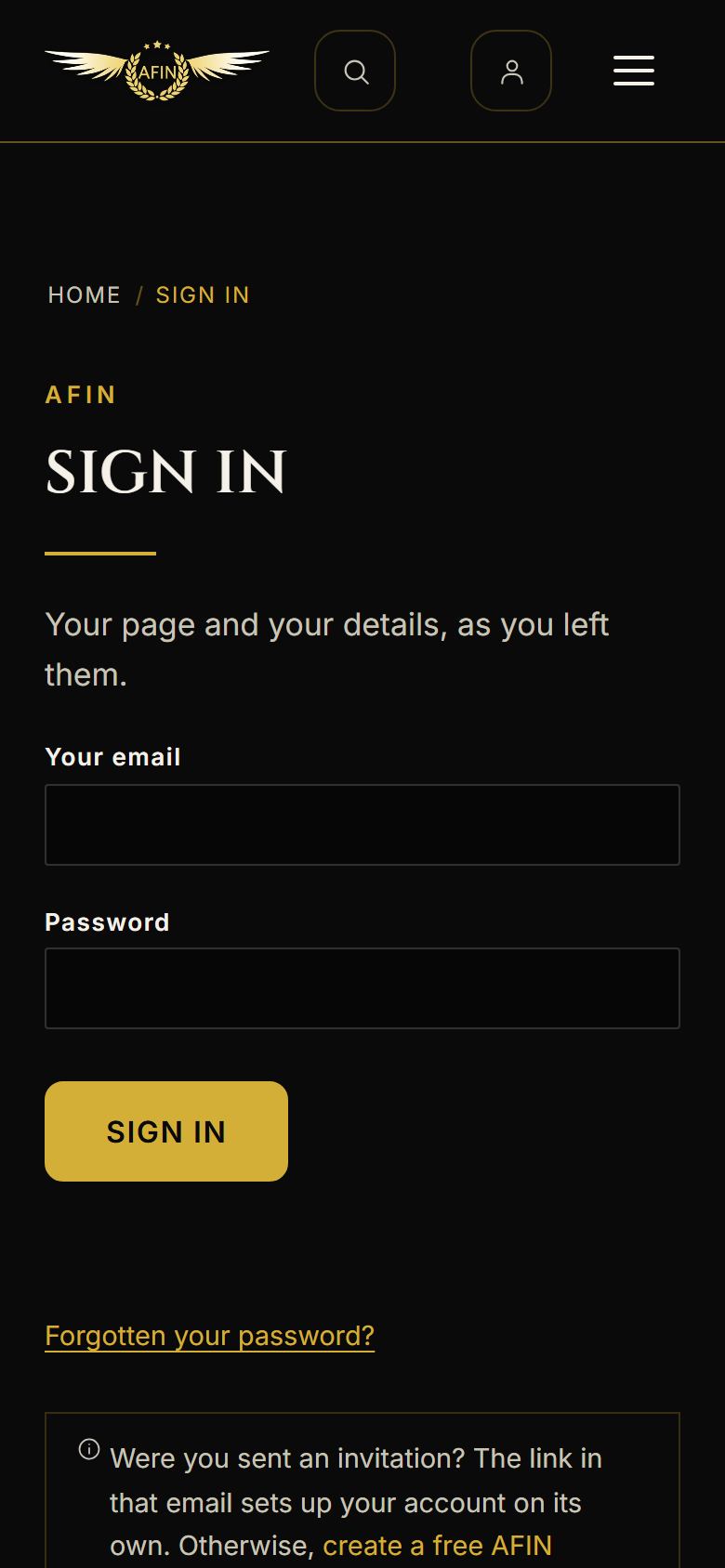
On a phone, from afinfestival.com -
Step 2: Forgotten your password?
Press "Forgotten your password?" under the form (it is in the picture above). We email you a link that works for 30 minutes.
-
Step 3: Set a new one
The link opens "Set a new password". Type it and press "Set my password". You see "Your password is set", and you can sign in with it.
-
Step 4: If the reset link has lapsed
Ask for another from the sign-in page. Each link works for 30 minutes.

On a phone, from afinfestival.com