
The AFIN Directory
Be found by other AFIN members, on your terms.
-
Step 1: Turn it on in Settings
Sign in, open Settings, tick "AFIN Directory" and save. It is off until you turn it on.
-
Step 2: You appear at the next site update
The directory is rebuilt with the site, usually overnight. Turning it off removes you at the next update in the same way.
-
Step 3: Only members see it
The directory is for signed-in AFIN members: anyone who holds a membership, gifted or paid. Only members appear in it, and only members can send a request. Your role comes from your approved role line (or your credits) and your place from your approved location. Your address is never shown.
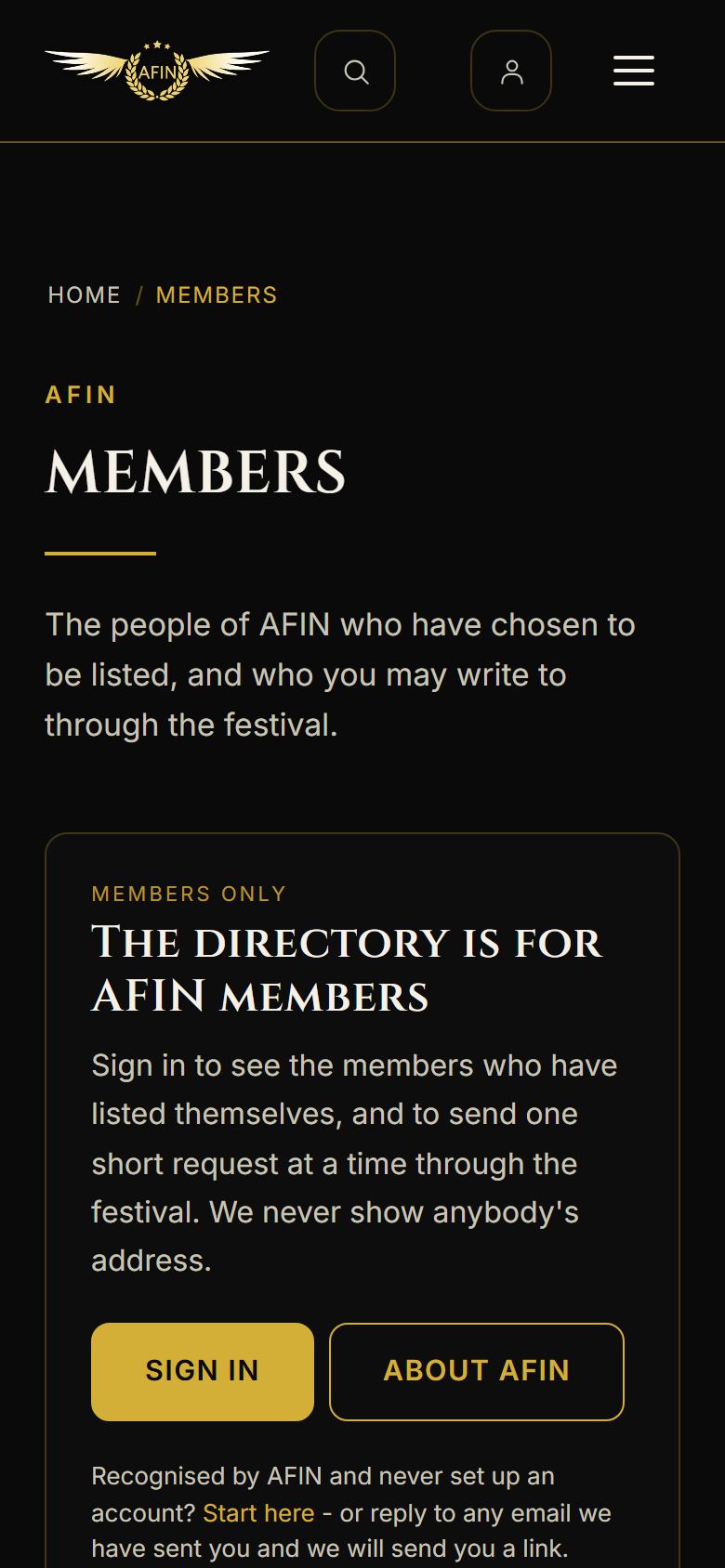
On a phone, from afinfestival.com