
Your watchlist
Save films as you browse, and take the list with you.
-
Step 1: Save a film
Press Save on any film. It turns to Saved.
-
Step 2: Open your watchlist
Your saved films are listed on your watchlist. Once there is at least one, the page offers "Add screenings to calendar (.ics)", "Share / copy link", "Print shortlist" and "Clear all". Before that it tells you how to add one.
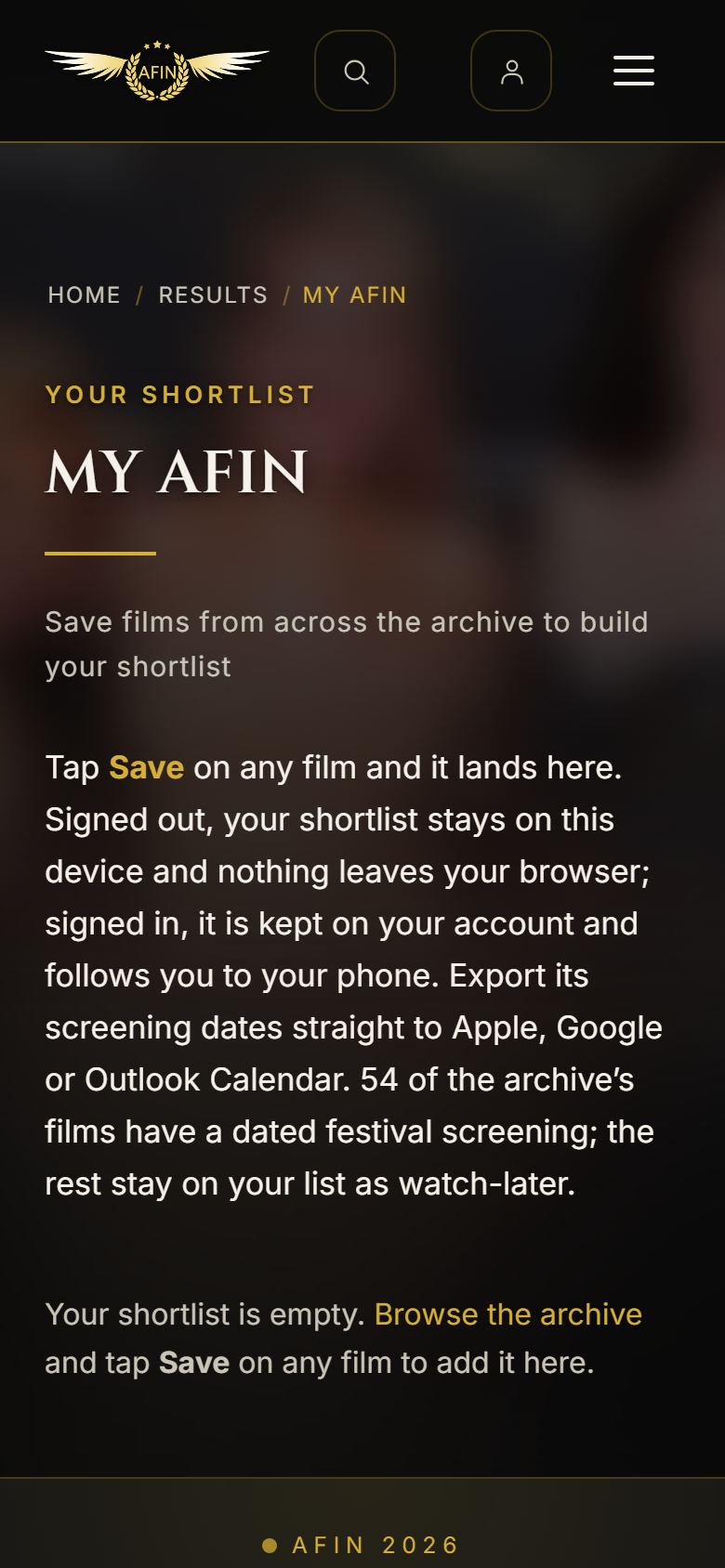
On a phone, from afinfestival.com -
Step 3: On your phone too
Signed in, your list is kept on your account. Open your watchlist on each device you use and it brings the list across.